
University of Minnesota Athletics
Wallpaper Directions
4/11/2006 12:00:00 AM | Athletics
Wallpaper Directions
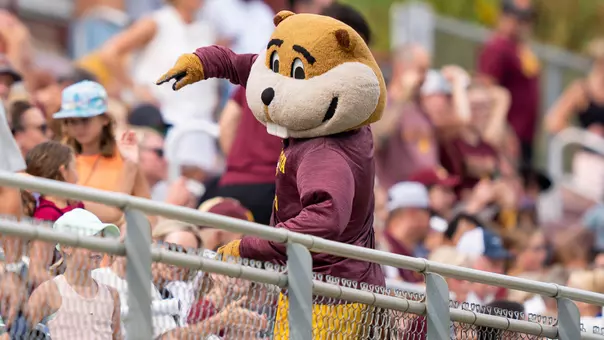
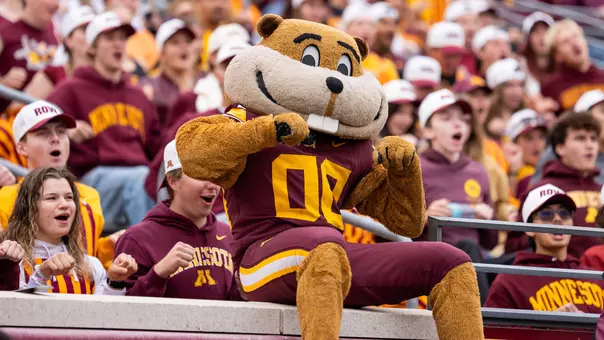
- Click on the resolution to thebottom of the image you wish to download.
- Windows users: Right click on the desktop. From the menu that appears, select Properties. From the Properties window, select Background. Use the "Browse..." button to find and select the image.
- Mac OS 9.x users: In your Appearance control panel, click "Select Picture" and choose the image. (If you already have a desktop picture selected, first click "Remove Picture," then click "Select Picture.") Click "Set Desktop" and close the control panel.
- Mac OS 10 users: In System Preferences, select Desktop, then drag the image into the well.
- Note: Wallpapers on this page are created by the Gophersports.com staff and are not available as full size posters through Intercollegiate Athletics Marketing Department. Other posters are available by contacting the marketing office at (612) 625-4879 or (612) 625-1099.


Wednesday, September 30
Thursday, August 20
Friday, June 26
Friday, February 27